
Optum Provider Express Login: One Healthcare ID and User Access
By George Ruan • August 16, 2026
For Optum Provider Express provider login, open the official Provider Express site and sign in with your own One Healthcare ID through Log In.
Last checked: October 10, 2026.
Sections
- Direct links: Provider Express login, registration and help
- TL;DR: use your own login, and give your biller their own
- Who needs their own Provider Express login
- Before you create access
- Account setup steps
- Add your biller: request current delegate-access instructions
- Provider Express login errors and missing access
- Review your practice information after access is established
- Related provider guides
- Frequently Asked Questions
Direct links: Provider Express login, registration and help
New-user registration instructions — use Create One Healthcare ID in the login flow.
Forgot One Healthcare ID, password or authentication recovery
Provider Express technical support — 866-209-9320. For provider-profile or network questions, Provider Services is 877-614-0484.
Apply to the Optum network — choose the relevant clinician, group or facility route.
The current official One Healthcare ID setup guide shows the sign-in screen below, including Forgot One Healthcare ID? and Create One Healthcare ID.
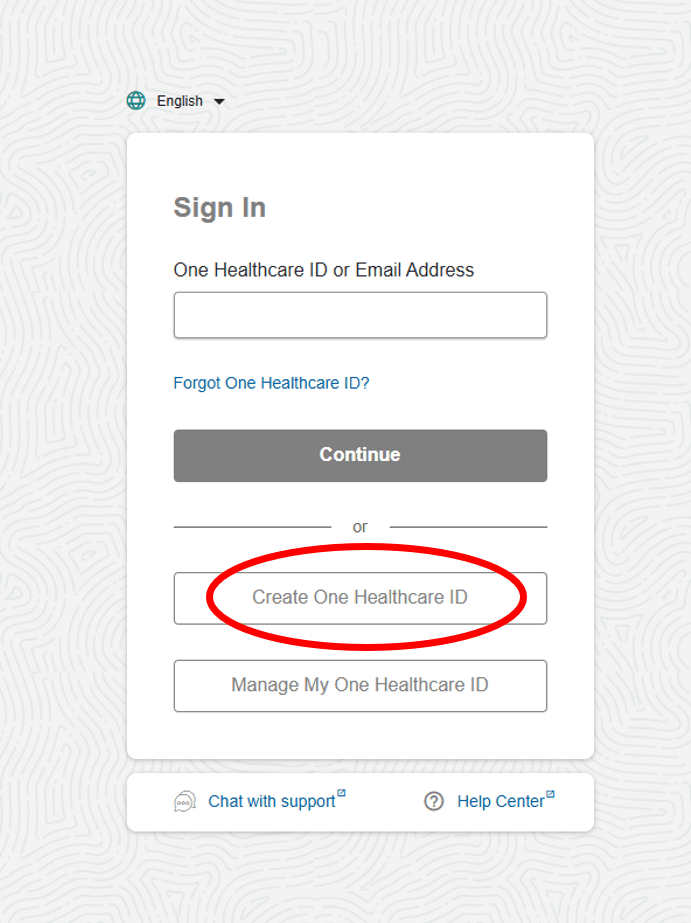
Screenshot source: Provider Express New Users: Create a One Healthcare ID interactive guide, Step 2.
TL;DR: use your own login, and give your biller their own
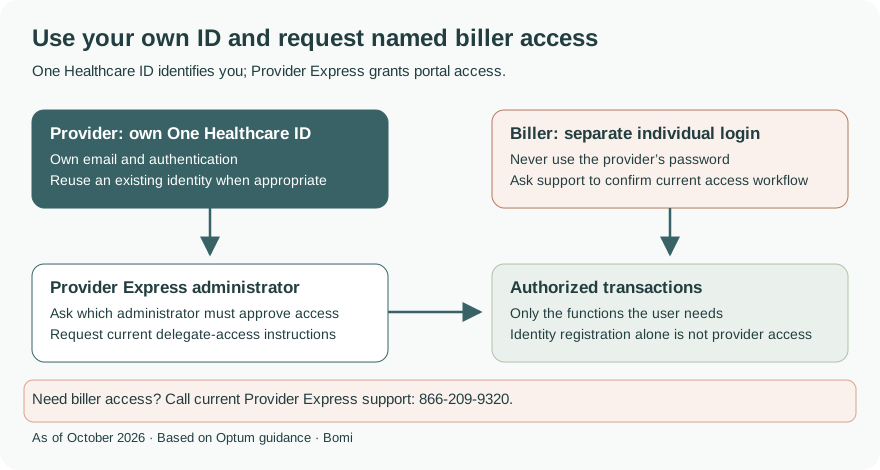
Use your own One Healthcare ID. Your biller should have separate named access; ask Provider Express technical support to confirm the current delegate and transaction-permission process for your practice. Network participation is separate from creating a login. Current Provider Express support
Who needs their own Provider Express login
Provider Express uses One Healthcare ID for sign-in, while the provider record and transaction access belong to the portal. Our recommendation is a separate named login for each staff member and biller, with only the transactions their work needs. Provider Express secure portal QRG
Before you create access
Check whether you already have a One Healthcare ID for your email. The current guide tells users whose email already has an ID to sign in with that identity. Have your provider and practice identifiers available for the separate Provider Express access prompts. Network application is a different task. Current registration guide
Account setup steps
From Provider Express select Log In, then Create One Healthcare ID if you need a new identity. Enter your name and email, choose the requested ID and password, review the terms and complete the activation or verification prompts. Follow the current security instructions shown to you. Official illustrated registration
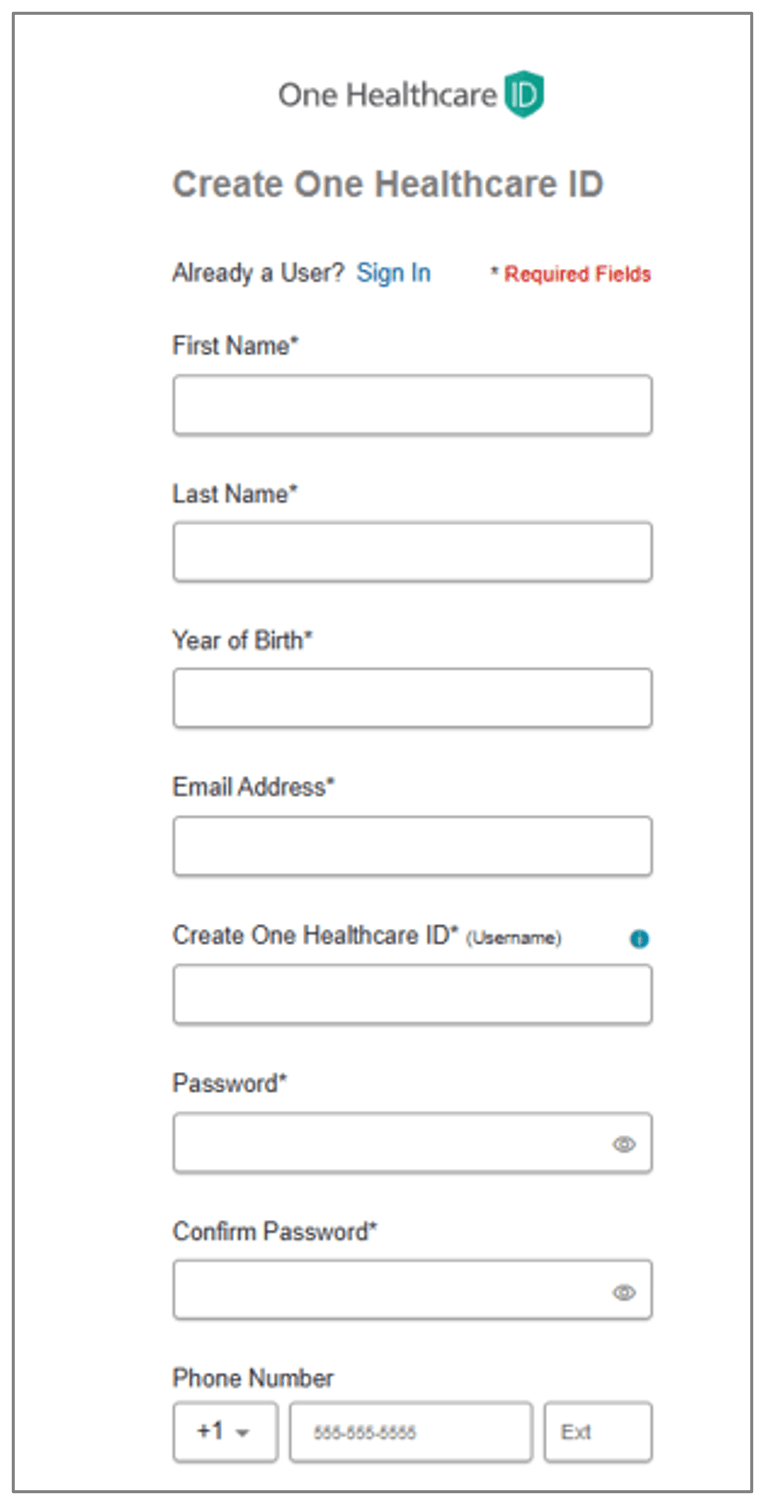
Screenshot source: Provider Express New Users: Create a One Healthcare ID interactive guide, Step 3.
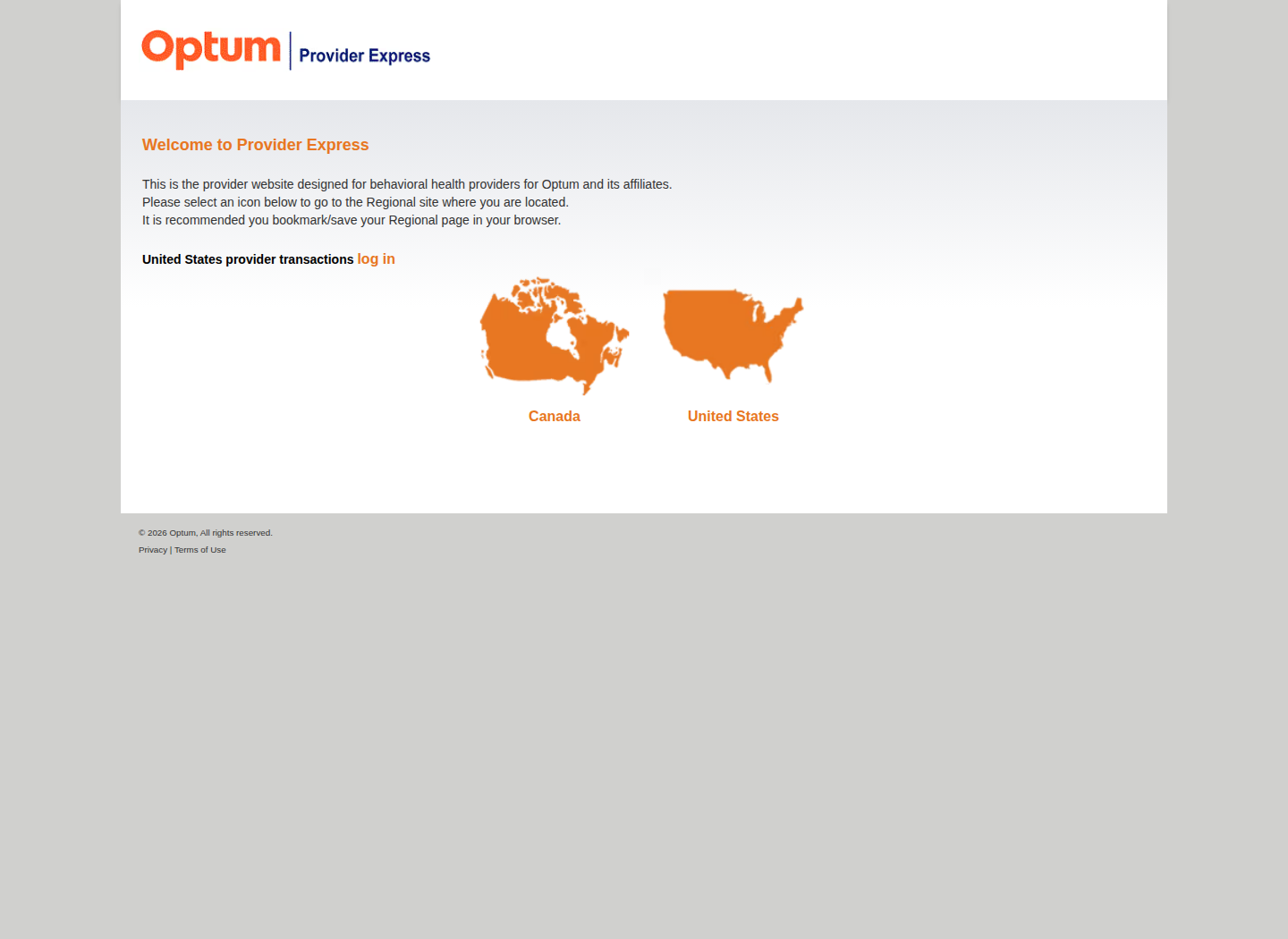
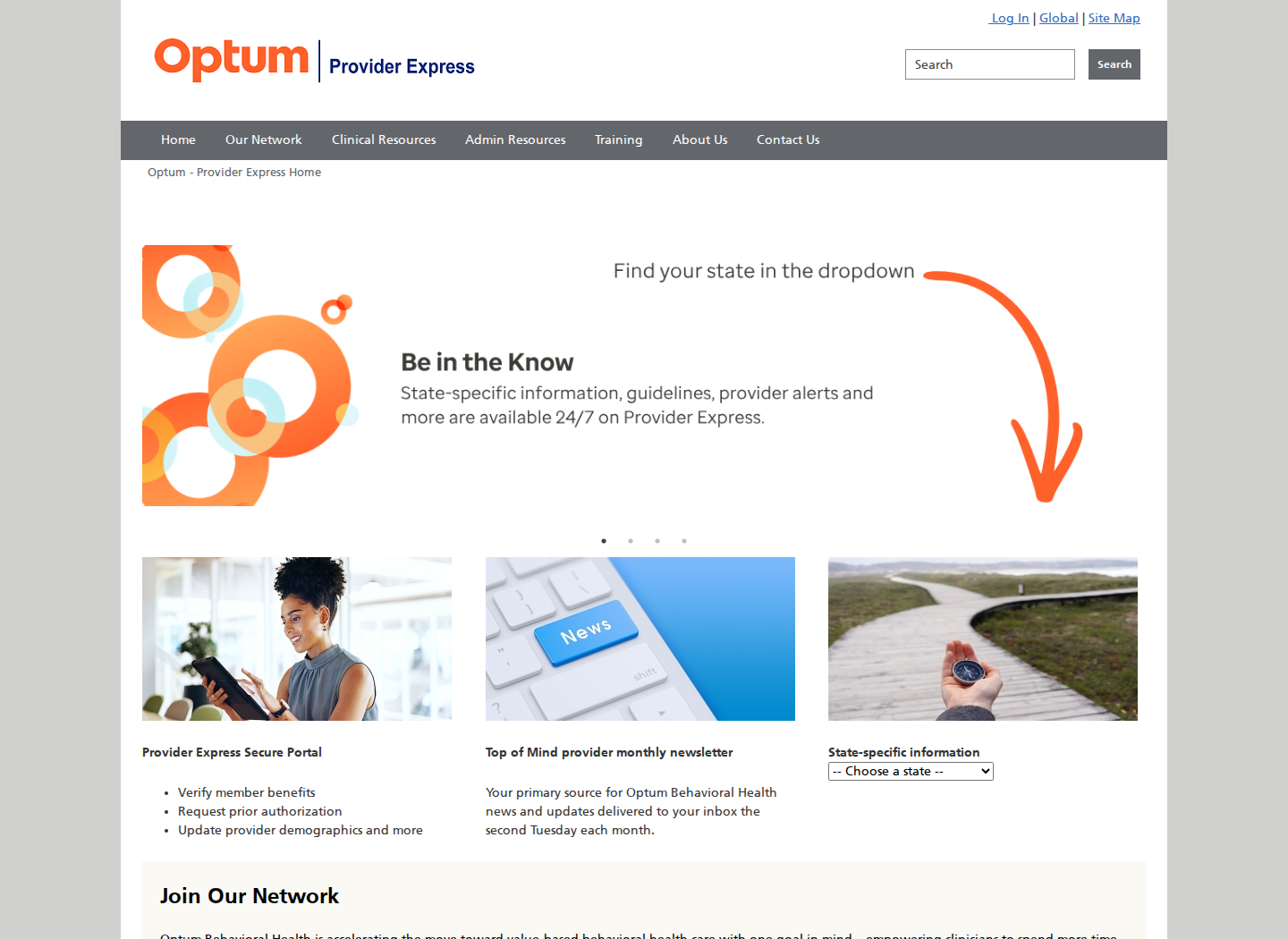
Provider Express may first show a regional selector. The following two public-page figures are retained from our existing walkthrough.
Add your biller: request current delegate-access instructions
Contact Provider Express technical support at 866-209-9320 for the current process to give your biller named delegate access to your provider record and the transactions their work requires. The current public One Healthcare ID guide illustrates identity setup, but does not show the add-user or role-assignment screens. Ask support which practice administrator must approve access; keep your own login. Current technical support and contact channels
Provider Express login errors and missing access
For a forgotten ID or password, use the official One Healthcare ID Help Center. If the identity works but your provider record or transactions are missing, use Provider Express technical support. For network status, contracting or demographic issues, use Provider Services. Current support channels
Review your practice information after access is established
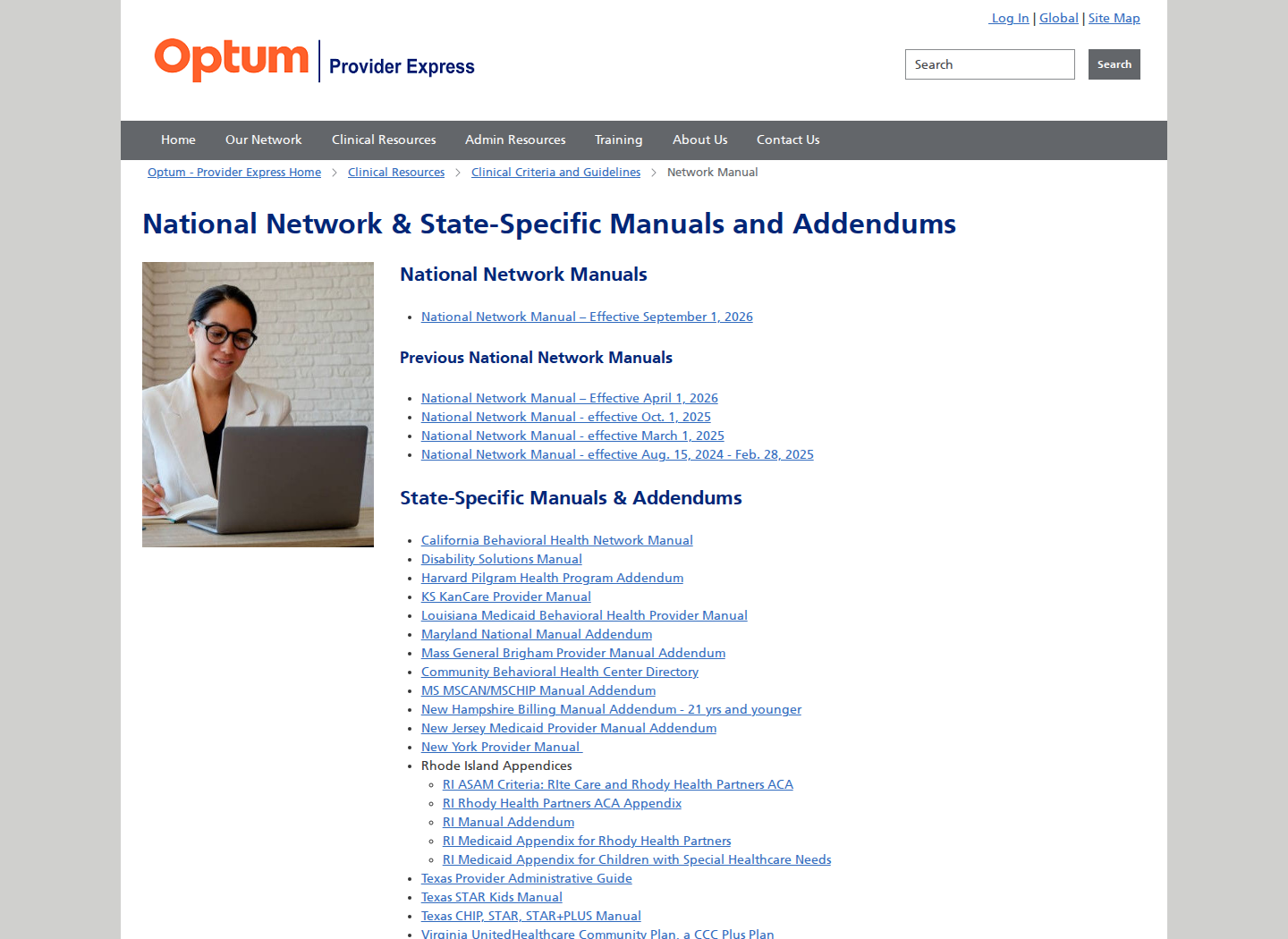
Review the provider and practice information available in your account and follow any correction deadline in your credentialing notice. The existing network-manuals figure below is retained; consult the current manuals page for the appropriate network. Optum network manuals
Related provider guides
Frequently Asked Questions
What is the Optum Provider Express login?
Open the official Provider Express site, select Log In and use your own One Healthcare ID. The identity and your Provider Express provider-record permissions are separate.
Do I need a new One Healthcare ID for Provider Express?
The current setup guide says to use an existing ID if your email is already associated with one. Follow the Provider Express registration prompts to establish the appropriate portal access.
How do I give my biller Provider Express access?
Ask Provider Express technical support at 866-209-9320 for the current named delegate and transaction-access process for your practice. The public One Healthcare ID setup guide does not illustrate the current role-assignment screens.
Who can help with Provider Express login problems?
Use One Healthcare ID Help Center for identity recovery. Provider Express technical support is 866-209-9320; Provider Services for network and provider-profile questions is 877-614-0484.
Need help getting payer-ready?
For practices enrolled in Bomi Billing, our team handles CAQH, payer applications, attestations, roster updates, and ongoing credentialing. Credentialing requires Bomi Billing.
Credentialing with billing
About Bomi
Founded by George Ruan, Dax Earl, and Andrey Goder, Bomi helps independent therapists and group practices with insurance billing, credentialing, and payer follow-up. Bomi grew out of Dax’s experience helping his mother with her therapy practice, with a clear purpose: reduce the administrative burden of insurance while keeping practice owners in control.
Meet our founders